So, you’ve decided that you need a better way to keep track of your phone conversations. Great choice! But with so many fake or broken apps on the market, how do you ensure you’re getting the right one? In this guide, we will walk you through how to download, install, and optimize the Automatic Call Recorder—the most reliable tool for both regular and VoIP calls.
Where to Start Automatic Call Recorder Download Process
The first step is simple. You can find the app on the official app store for your Android device. It is designed to be lightweight, meaning it won’t take up too much space or slow down your phone.
When you search for it, look for the version that mentions VoIP support. This is the feature that allows you to record apps like WhatsApp, Viber, and Telegram, which most other recorders simply cannot do.
Step-by-Step Setup Guide
Once the download is complete, follow these steps to make sure everything is working perfectly:
- Grant Permissions: Like any high-quality tool, the app needs permission to access your microphone and contacts. Don’t worry—this is purely so it can record the audio and label the files with the correct names.
- Enable Accessibility Services: For the app to record “internet calls” (VoIP), it needs you to toggle on the Accessibility setting. The app will guide you directly to the right menu in your phone settings.
- Choose Your Audio Source: If you find that the recording is too quiet, go to the “Settings” tab. Here, you can experiment with different audio sources to find the one that sounds best on your specific device.
Exploring the Best Free Features
After you download the app, you’ll realize it does much more than just “record.” The free version is packed with tools that make your life easier:
- Automatic Start: You don’t have to open the app every time you get a call. It stays ready in the background.
- In-App Playback: You can listen to your recordings immediately without needing a separate music player.
- Smart Speaker Switching: This is a fan-favorite feature. If you are listening to a recording on the loud speaker and you lift the phone to your ear, the app automatically switches to the earpiece for privacy.
Automatic Call Recorder: Is the Premium Version Worth It?
While the free version is excellent, the Premium upgrade is like giving your phone a professional upgrade. When you unlock the full version, you get:
- Cloud Storage: Never worry about losing a recording. The app will automatically sync your files to Google Drive.
- PIN Protection: Keep your private conversations private with a secure lock.
- SD Card Support: If your phone’s internal memory is full, you can tell the app to save everything directly to your memory card.
Important Tips for New Users
Before you start recording every call, keep these “pro tips” in mind:
- Test It First: Every phone is different. Record a quick test call with a friend to make sure the audio is clear on both ends.
- Battery Optimization: Sometimes Android tries to “kill” background apps to save battery. Make sure to exclude this app from your phone’s “Battery Saver” list so it never misses a call.
- Legal Honesty: Always remember to follow your local laws. The best practice is to always tell the other person they are being recorded.
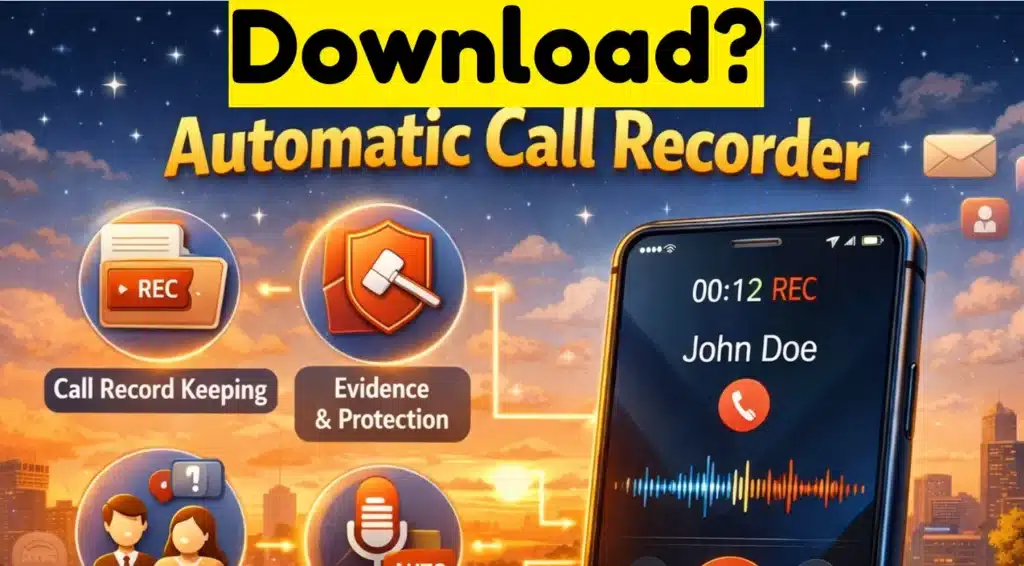
Downloading the Automatic Call Recorder is the easiest way to ensure you never miss a detail again. From business instructions to precious family memories, this app captures it all with crystal-clear quality. It’s fast, free to try, and works even on tablets that don’t have a SIM card!